
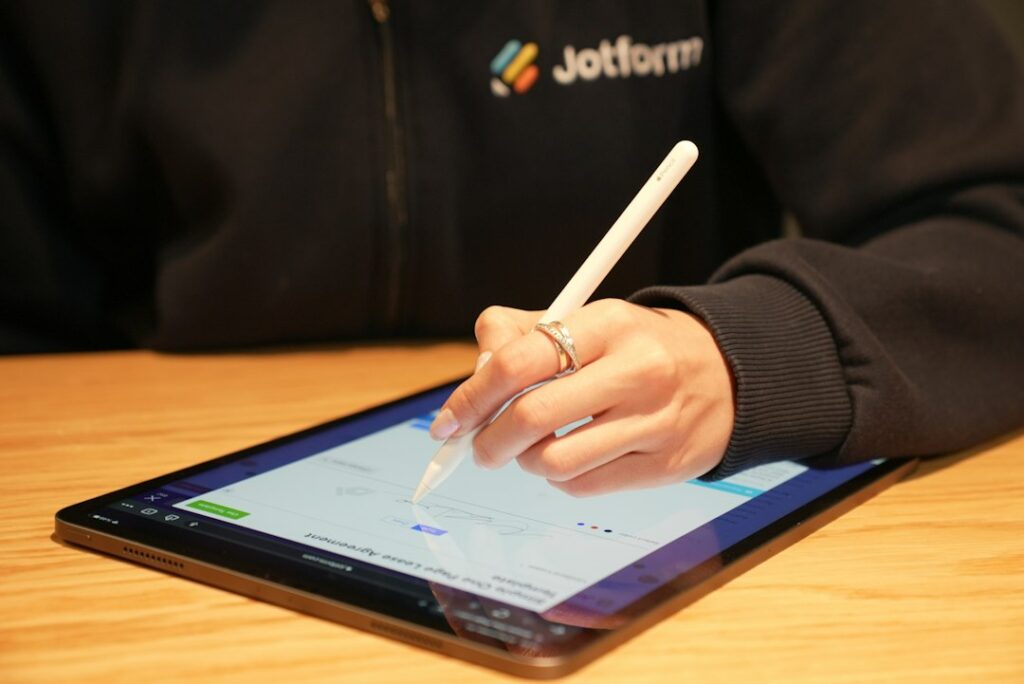
Quick answer: The best e-signature software makes it easy to send documents for signature while preserving a reliable record of the signing process. Compare templates, signing order, reminders, signer authentication, audit trails, integrations, storage and export options. The appropriate solution depends on document volume, risk and the legal requirements for the agreements you handle.
Electronic signature tools can reduce printing, scanning and manual follow-up. They are often used for proposals, service agreements, approvals and routine business forms. Not every document or transaction can be handled in the same way, so confirm the legal and identity requirements for your specific use case.
Features to compare
| Feature | Why it matters | What to check |
|---|---|---|
| Templates | Speeds up repeat agreements | Can approved templates be controlled centrally? |
| Signing order | Routes documents to the right people | Can sequential and parallel signing be configured? |
| Authentication | Helps establish signer identity | Which verification methods are available? |
| Audit trail | Records signing events | Can the completion certificate be downloaded? |
| Reminders | Reduces manual chasing | Can reminders and expiry dates be customised? |
| Integrations | Connects CRM and document systems | Can signed copies be filed automatically? |
| Administration | Controls team usage | Are roles, permissions and retention configurable? |
Electronic signatures and digital signatures
The terms are sometimes used interchangeably, but digital signatures can refer to cryptographic methods that verify document integrity and signer identity. Electronic signature laws and accepted methods vary by jurisdiction and document type. In the United States, the ESIGN Act and state laws such as UETA are relevant, but exceptions and transaction-specific requirements can apply. Obtain legal advice when the agreement is high value or subject to special formalities.
Products to research
Small businesses may compare DocuSign, Dropbox Sign, Adobe Acrobat Sign, PandaDoc and signNow. Their document workflows, template features, identity checks, integrations and plan limits differ. Some combine proposals and payments with signatures, while others focus on signature execution. Verify current pricing, envelope or document limits and legal support for your use case directly with vendors.
Security and recordkeeping
Review signer authentication, encryption, administrator permissions, audit logs, data retention and document export. Ensure completed agreements can be downloaded and stored in the business’s approved document system. Restrict who can send templates or change signature fields. For sensitive agreements, review where data is processed and whether subcontractors have access.
Implementation checklist
- List document types and identify which require electronic signatures.
- Have approved templates reviewed by the appropriate business or legal owner.
- Define signer order, authentication and approval rules.
- Configure reminders, expiry and completed-document storage.
- Test the process on desktop and mobile with internal users.
- Confirm export and retrieval procedures before broad rollout.
Pricing questions
Compare user seats, signature or envelope limits, template counts, bulk sending, identity verification, integrations and advanced administration. Check whether external signers are free and whether API use is separately priced. Include the cost of document storage and any required workflow tools.
Bottom line
Choose an e-signature platform that fits your agreement types and provides a clear, retrievable record of execution. Test the signing experience and confirm legal suitability rather than assuming every electronic workflow is valid for every document.
Editorial note: General software information only, not legal advice or a guarantee of enforceability. Requirements vary by document and jurisdiction.
For a separate need to improve organic website visibility, explore QHR Solutions’ SEO services.
Frequently asked questions
Are electronic signatures legally valid in the US?
Many electronic signatures are recognised under federal and state law, but exceptions and specific formalities apply. Confirm the requirements for the document and jurisdiction with qualified counsel.
Do all signers need an account?
Many services let recipients sign through a secure email link without creating a paid account. Authentication requirements vary by sender settings and document risk.
Should signed documents be downloaded?
Maintain copies in an approved records system and confirm that the completed document and audit evidence can be retrieved. Follow the organisation’s retention policy.