
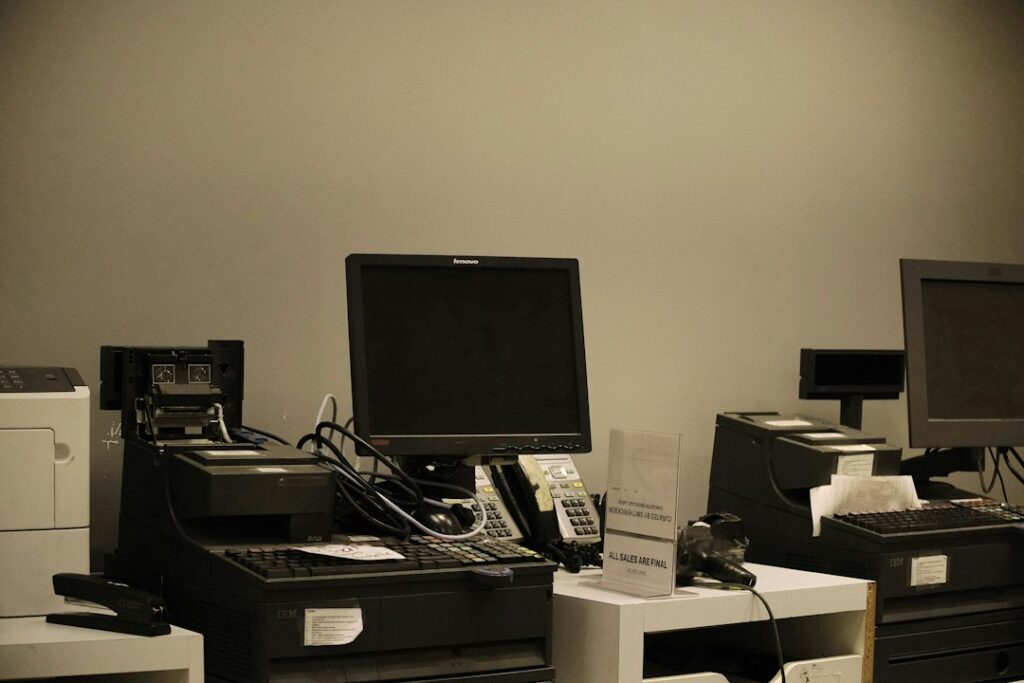
Quick answer: The best point of sale (POS) software helps a small business process sales reliably and keep payment, product and reporting information organised. Compare checkout speed, inventory, returns, staff permissions, payment options, receipts, reporting, hardware compatibility and ecommerce integrations. Choose a system that fits the type of transactions you handle.
A POS system may be used by a shop, restaurant, salon, market stall or service business. Some platforms focus on retail inventory, others on restaurant tables and menus, and others on appointments or service payments. A product that works well for one setting may not fit another.
Features to compare
| Feature | Why it matters | What to verify |
|---|---|---|
| Checkout | Processes purchases efficiently | Can staff handle discounts, split payments and refunds? |
| Payment processing | Accepts customer payments | Which cards, wallets and payment providers are supported? |
| Inventory | Tracks products and variants | Do sales, returns and transfers update stock correctly? |
| Staff permissions | Controls sensitive actions | Can refunds, discounts and reports be restricted? |
| Reporting | Shows sales and product trends | Can reports separate tax, discounts and payment types? |
| Hardware | Supports daily operations | Are terminals, printers, scanners and cash drawers compatible? |
| Integrations | Connects ecommerce and accounting | How are online orders, refunds and customer records synced? |
Retail, restaurant or service POS?
Retailers often need product variants, barcode scanning, stock transfers and purchase orders. Restaurants may need table management, modifiers, kitchen tickets and tips. Salons and service businesses may prioritise appointment booking, staff commissions and deposits. Mobile sellers may need offline behaviour and compact hardware. Start by mapping the checkout journey and the exceptions staff encounter.
Products to research
Small businesses may compare Square POS, Shopify POS, Clover, Lightspeed and Toast, depending on their industry and location. Hardware availability, payment processing, plan bundles and supported features vary. Some systems require the provider’s payment service or compatible devices. Treat this list as a starting point and verify current US pricing, transaction fees and hardware requirements directly with vendors.
Payment costs and hardware
Calculate the total cost across software subscriptions, card processing, terminal rental or purchase, receipt printers, cash drawers, barcode scanners, installation and support. Ask about chargebacks, refunds, offline transactions and settlement timing. Confirm that the hardware works with your operating system and network before purchasing.
Security and operational controls
Use unique staff logins and limit permissions for refunds, voids, discounts and exports. Review device security, software updates, payment-provider responsibilities, audit logs and backup procedures. Do not store card details outside approved payment systems. Confirm how the POS handles outages and how transactions are reconciled when connectivity returns.
Implementation checklist
- List products, services, taxes, modifiers and discount rules.
- Confirm payment provider, hardware and internet requirements.
- Import product records and verify prices and tax settings.
- Set staff roles and manager approval rules.
- Test sales, refunds, exchanges, tips and offline recovery.
- Reconcile a sample day’s transactions against settlement reports.
Bottom line
Choose POS software around the real checkout process and the business systems it must connect. Test busy-period scenarios, refunds and reporting before switching over, and confirm payment fees as carefully as subscription costs.
Editorial note: General software information only, not financial, tax or payment advice. Features, fees and hardware compatibility change; verify current terms with providers.
For a separate ecommerce website requirement, explore QHR Solutions’ website design services.
Frequently asked questions
Can a POS system work without internet?
Some systems support limited offline transactions, but features and restrictions vary. Confirm which payments, receipts and inventory updates are available offline and how they sync later.
Can POS software manage online and in-store sales?
Some platforms synchronise ecommerce and physical sales, but inventory, customer and refund behaviour should be tested carefully before relying on a shared stock count.
What is the biggest POS cost?
It depends on transaction volume, payment rates, hardware and required features. Compare total cost of ownership rather than subscription price alone.