
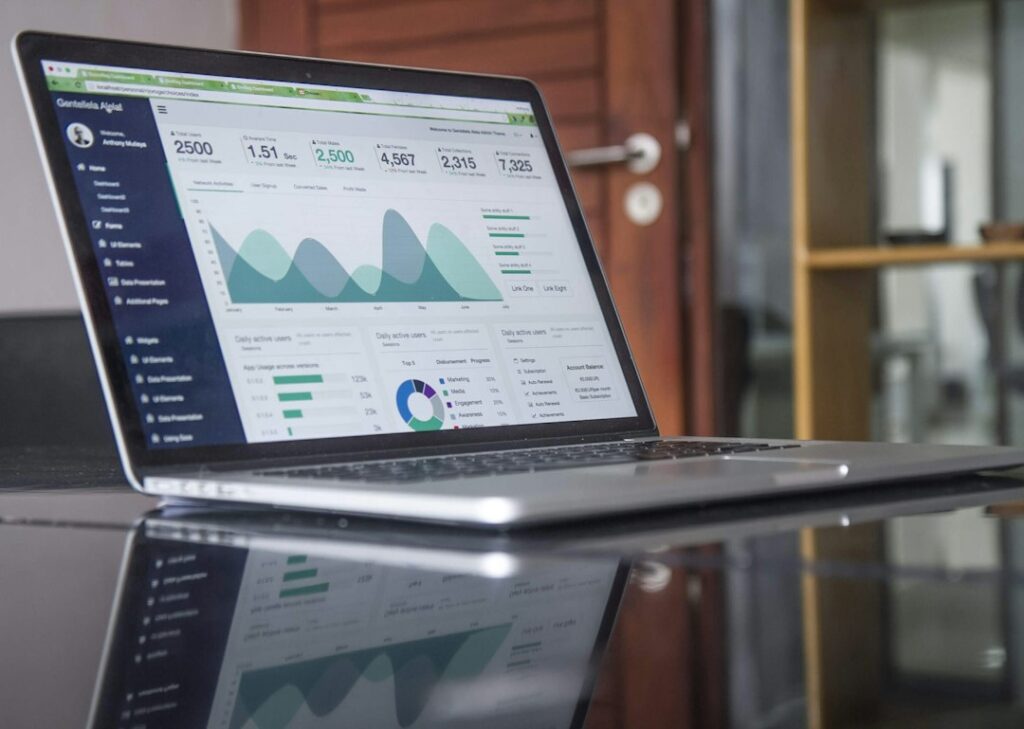
Quick answer: The best website analytics tool helps a small business understand where visitors come from, what they do on the site and which actions lead to enquiries or sales. Compare event tracking, conversion setup, attribution, reporting, privacy controls, integrations and ease of use. Start with a small set of meaningful questions rather than collecting every available metric.
Website analytics can show whether marketing activity is bringing relevant visitors and whether important pages are helping them take action. Traffic volume alone does not show business value. A smaller number of qualified visitors may be more useful than a large audience that never contacts the company or buys.
Features to compare
| Feature | Why it matters | What to verify |
|---|---|---|
| Traffic acquisition | Shows how visitors arrive | Can organic, paid, referral and direct traffic be understood? |
| Event tracking | Measures meaningful interactions | Can forms, calls, downloads and purchases be tracked? |
| Conversion reporting | Connects visits to outcomes | Can key actions be marked and validated? |
| Landing-page analysis | Highlights useful entry pages | Can engagement and conversion be compared by page? |
| Attribution | Provides campaign context | Are model assumptions and limitations clear? |
| Privacy controls | Supports responsible data collection | Can retention, consent and IP settings be configured? |
| Integrations | Connects marketing data | Can data be exported or linked to ad and CRM platforms? |
Products to research
Small businesses may compare Google Analytics 4, Matomo, Plausible Analytics, Microsoft Clarity and Adobe Analytics. These tools are not identical: some focus on broad event analytics, others on privacy-oriented web measurement, behavioural recordings or enterprise analytics. Treat this as a research shortlist rather than a ranking. Verify current features, data processing terms, limits and pricing directly with providers.
Define the metrics that matter
A local service company might track calls, quote requests, form submissions and visits to service-area pages. An ecommerce business may focus on product views, add-to-cart events, checkout steps and completed orders. A content publisher may examine engaged reading, newsletter sign-ups and return visits. Define each event precisely and test that it fires once, with the correct context.
Privacy and consent
Analytics data can include identifiers, device information and behavioural details. Collect only what is needed, limit access and set a retention period. Review cookie and consent requirements for the locations where visitors live, and ensure tags respect the site’s consent settings. Do not assume that a tool’s privacy features automatically make a site’s implementation compliant; obtain appropriate legal guidance where needed.
Implementation checklist
- Write down the business questions the analytics should answer.
- Choose a primary conversion for each important visitor journey.
- Document event names, parameters and ownership.
- Configure tags and consent behaviour carefully.
- Test events on desktop and mobile, including confirmation pages.
- Build a simple report and review data quality before making decisions.
Common measurement mistakes
Do not treat every page view as a conversion. Avoid double-counting form submissions, mixing internal staff traffic with customer activity or comparing periods with different tracking setups. Campaign parameters should be consistent, and major site changes should be annotated so that shifts in reports can be interpreted accurately.
Pricing considerations
Check traffic or event limits, data retention, reporting features, user seats, hosting requirements, support and export options. Some products have free tiers or self-hosted editions, while enterprise tools may require substantial setup. Include implementation and ongoing analysis time in the cost.
Bottom line
Choose analytics software that answers the business’s most important questions with dependable data and proportionate privacy controls. Validate tracking before relying on reports, and review a small number of useful metrics consistently.
Editorial note: General software information only, not legal or privacy advice. Product features, limits and prices change; verify current details with providers.
For help improving the website experience and organic visibility, explore QHR Solutions’ website design services and SEO services.
Frequently asked questions
Is Google Analytics enough for a small business?
It may be enough when the business needs general traffic and event reporting. A different tool may suit teams that prioritise simpler dashboards, self-hosting or particular privacy requirements.
What should a small business track first?
Start with outcomes that matter, such as qualified enquiry forms, phone clicks, bookings or completed purchases. Confirm that each event is measured accurately.
Can analytics show which marketing channel generated a sale?
Analytics can provide attribution estimates when campaign tagging and conversion tracking are configured. Cross-device journeys, privacy restrictions and other factors mean attribution is not always complete.